The Android release is one compatibility condition, not a complete specification. When one phone can install an app and another cannot, compare the requirements before assuming the store or the phone is broken.
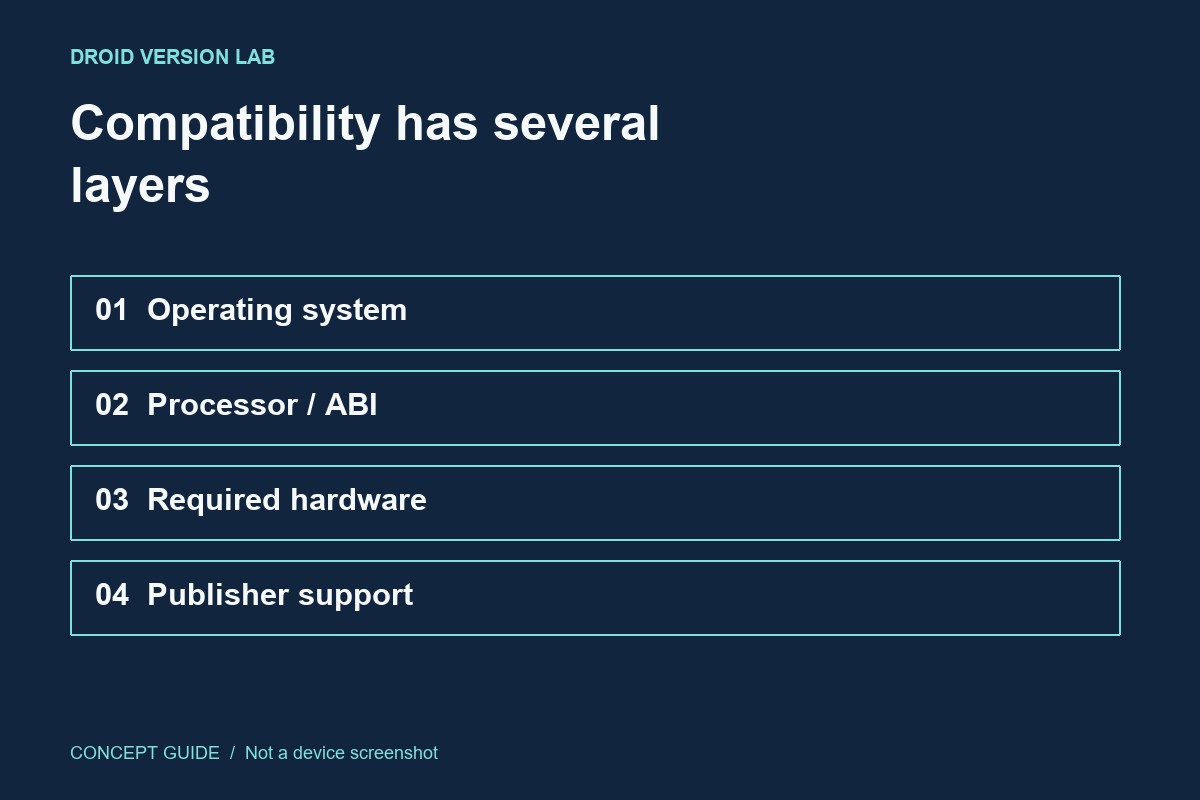
Separate the four layers
Start with the operating-system requirement, then consider processor support, required hardware features and the publisher's distribution choices. A camera-dependent app and a basic note app need different capabilities. Country, account and device policies may also affect what a store offers. A missing listing does not identify which of these conditions caused the difference.
Minimum and target are different
In Android app metadata, a minimum supported SDK describes a platform floor. A target SDK relates to the platform behavior the developer targets; it is not simply the oldest phone that can install the app. Avoid interpreting an isolated target number in a download listing as an installation requirement. Prefer the publisher's current compatibility description for the released app.
Build a comparison that helps
Write down both exact device models, OS versions, the app's official listing and the exact message shown on the failing device. Compare the same app and account context. If you compare one phone's older installed copy with a different release being offered today, you have changed two variables at once.
Choose the next step
If the publisher excludes the device, sideloading does not create missing hardware or guaranteed support. Ask the developer whether the restriction is expected. Where a browser version exists, it can be a practical alternative, but check which features differ before depending on it for an important task.