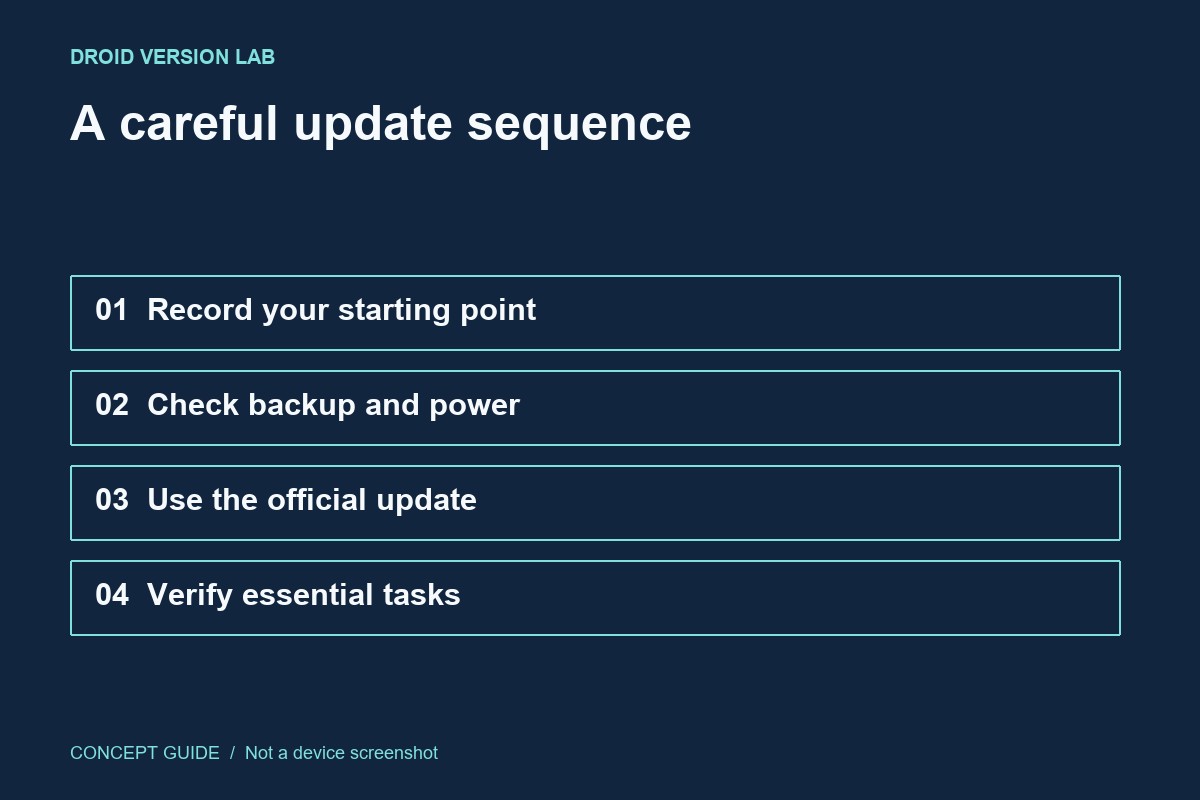
A sensible update plan preserves a way to recover important work and leaves time to check the phone afterwards. The goal is not to predict every possible problem; it is to avoid making a routine update your only copy of an important file.
List what would be difficult to replace
Identify documents, recent photos, messages that matter, authentication access and app-specific records. A general backup switch is not evidence that every app exports its data. Open the relevant backup or export screen for anything essential and note when it last completed. Keep account recovery information available through your normal secure method.
Verify a small sample
For files copied elsewhere, open several at their destination. For cloud-backed items, confirm the intended account and check that the newest expected item appears. A progress indicator still running is not a completed backup. If the phone is managed by an employer, follow that organization's update process instead of changing management settings.
Prepare the installation window
Use the official system updater and follow its power, connection and storage instructions. Choose a period when a restart will not interrupt navigation, a call or another necessary task. Keep the exact model and current build in your notes. Avoid collecting unrelated cleaner tools or unofficial update packages while preparing.
Check the tasks you actually need
After the restart, confirm the update screen and test a short list: connectivity, one ordinary call if applicable, access to important files and your essential apps. Record a specific failure before changing several settings. If something is wrong, preserve the evidence and consult the manufacturer; a factory reset is not the first verification step.