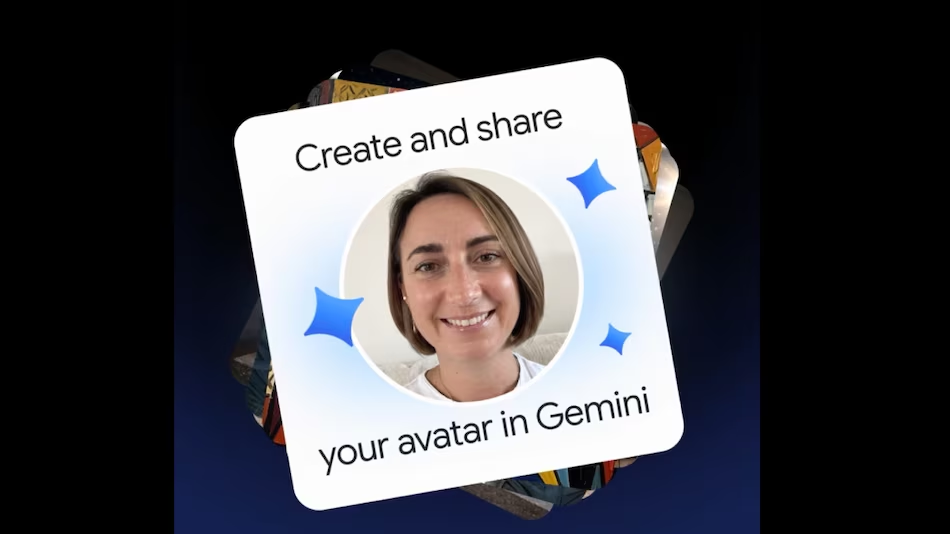
Google has introduced a “personal avatar” feature in Gemini, allowing users to create AI-generated images and videos that feature their own likeness and voice. Users can also share these avatars with friends, family, and collaborators, enabling them to incorporate the user’s image and voice into their own creative projects. This feature is designed to make it easier to include familiar faces and voices in AI-generated content, while giving users control over who can access their avatars and when that access expires.
Google Gemini Personal Avatars: Features and Availability
Google has launched a personal avatar feature within Gemini, enabling users to generate AI-based images and videos that feature their own face and voice. Users can share these avatars with friends, family, or collaborators, allowing others to utilize their likeness in their own creative work. The feature leverages “Nano Banana” for image generation and “Gemini Omni” for video production.
Gemini users can use their personal avatars to create images and videos featuring themselves, friends, family members, or partners. If others have also shared their own avatars, users can incorporate those individuals’ likenesses into their creations.
Google allows users to share their avatars by sending invitations to the recipients’ Gmail addresses. Recipients must accept the invitation before they can use the avatar in their own projects. The owner can manage access permissions—such as setting an expiration date or revoking access—via their Gemini settings. Once the owner revokes access, the recipient can no longer use the avatar to create new content, though any images or videos created previously will remain unaffected.
This feature is available to users aged 18 and older who have a personal Google account. Currently, the feature supports English and is restricted for users in the United Kingdom, the European Economic Area, and Switzerland. Additionally, users must have a Google AI subscription to generate videos featuring their personal avatar.
To create an avatar, users must record their own face and voice. They can begin the process on a computer by scanning a QR code, then continue the recording on a mobile device or tablet. Google recommends choosing a quiet, well-lit space and ensuring that one’s face remains clearly visible throughout the entire recording process.
Users can delete their avatar—along with any associated selfies and voice recordings—via their Google account settings. Should a user wish to use this feature again, they will need to record a new avatar. However, deleting an avatar does not remove any images or videos that the user has already created or published using that avatar.