Title: 8 Ways Smart Companies Are Future-Proofing Their Meeting Rooms Right Now
If you work in IT or workplace operations, rolling out office technology probably feels like an endless game of catch-up where the rules change every six months. Just as your team finally gets comfortable with a new setup, a fresh video collaboration update drops, a new AI assistant rolls out, or your company’s hybrid work policy shifts again.
Constantly ripping and replacing conference room gear isn’t just expensive—it is a massive headache for IT teams and a constant source of friction for employees who just want to start their meetings on time.
Forward-thinking IT leaders have realized that future-proofing an office isn’t just about pushing the latest software updates. It is about putting physical hardware into your rooms that has the headroom to adapt, learn, and improve over time. Instead of treating conference rooms like static, sterile boxes, the smartest companies are turning them into intelligent collaboration hubs. Here are the eight biggest shifts they are making right now to stay ahead of the curve.
1. Investing in Hardware With Serious On-Device Compute
Buying hardware that merely meets today’s baseline specs is a recipe for early obsolescence. Smart teams are installing video bars and room systems packed with extra processing power—like next-generation enterprise video bars running on advanced Qualcomm Dragonwing chipsets. Having dedicated, onboard AI processing means the device itself can handle heavy AI workloads locally without requiring an extra external PC or server tucked behind the display.
2. Ditching the “Bowling Alley” View for Multi-Stream Framing
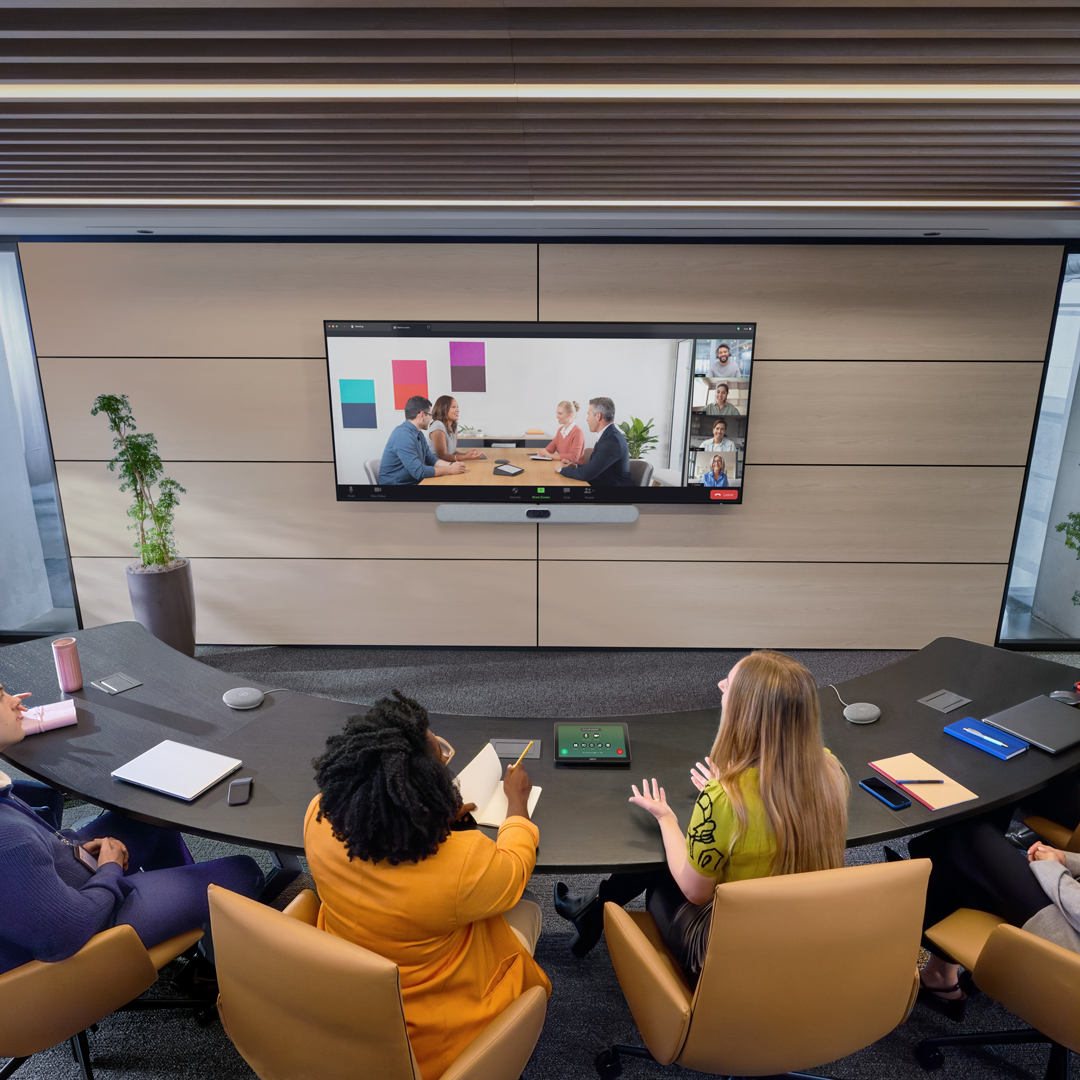
Nothing kills hybrid meeting engagement faster than a single, zoomed-out camera angle looking down a long table where remote attendees can only see the side of everyone’s face. Modern room setups use AI-directed cameras to dynamically crop in-room participants into their own individual video tiles. Even better, smart tracking can follow a speaker who stands up to sketch on a whiteboard during a brainstorming session, making remote colleagues feel like they are actually sitting in the room.
3. Monitoring Room Air Quality in Real Time
Have you ever felt your energy crash halfway through an afternoon strategy session? Stuffy rooms with high carbon dioxide levels are usually the culprit. Smart offices are now integrating environmental sensors that actively track temperature, particulate matter, and $CO_2$ levels in real time. Keeping the air fresh and the climate balanced directly reduces afternoon fatigue, cuts down on sick days, and keeps teams sharp.
4. Killing “Ghost Meetings” With Occupancy Sensors
According to recent workplace analytics data, roughly 37% of booked meetings globally are “ghost meetings”—rooms that are reserved on the calendar while nobody actually shows up. By installing passive occupancy sensors, companies can automatically release an empty room back into the booking pool if no one walks in after a set window. It stops employees from wandering the halls looking for a quiet space and gives facilities teams an accurate picture of real estate demand.
5. Bringing IT Into Room Design on Day One
According to a 2026 workplace research report, only 24% of organizations involve their IT and AV teams before spatial planning begins. That means tech teams are usually handed a finished room with glass walls and terrible acoustics and told to “make it work.” Forward-thinking companies are breaking down those silos—putting IT, facilities, and workplace experience leaders at the same table from day one so the physical architecture and the technology actually complement each other.
6. Managing Every Room From a Single Cloud Dashboard
When your company scales across multiple floors or global offices, walking from room to room to check cables and run updates is impossible. Centralized device management portals allow IT teams to monitor room health, push security patches, and check environmental metrics across dozens of spaces from a single screen—saving hours of manual troubleshooting every week.
7. Letting Hard Usage Data Drive Office Redesigns
With hybrid schedules causing fluctuating office attendance throughout the week, guessing how many four-person huddle rooms or twenty-person boardrooms you need is a costly gamble. Smart workplace leaders rely on continuous utilization and headcount data drawn directly from their room hardware to decide when, where, and how to remodel or repurpose underused square footage.
8. Prioritizing Modular, Sustainable Hardware
Upgrading your tech stack shouldn’t mean filling a landfill. More organizations are demanding enterprise hardware that pairs top-tier performance with eco-friendly engineering. Look for next-generation video bars built with post-consumer recycled plastics, durable aluminum unibody enclosures, and modular internal layouts that make end-of-life disassembly and recycling straightforward.
The big takeaway for modern business leaders is simple: preparing for the future of work isn’t a passive waiting game. By investing in flexible, sensor-rich hardware that gets smarter with every firmware update, you can build meeting spaces that evolve right alongside your team.