A concise record of the device and software often saves more time than a long description that the phone is up to date. Build the record around the problem so a support reader can distinguish your environment from a similar one.
Capture identifiers without oversharing
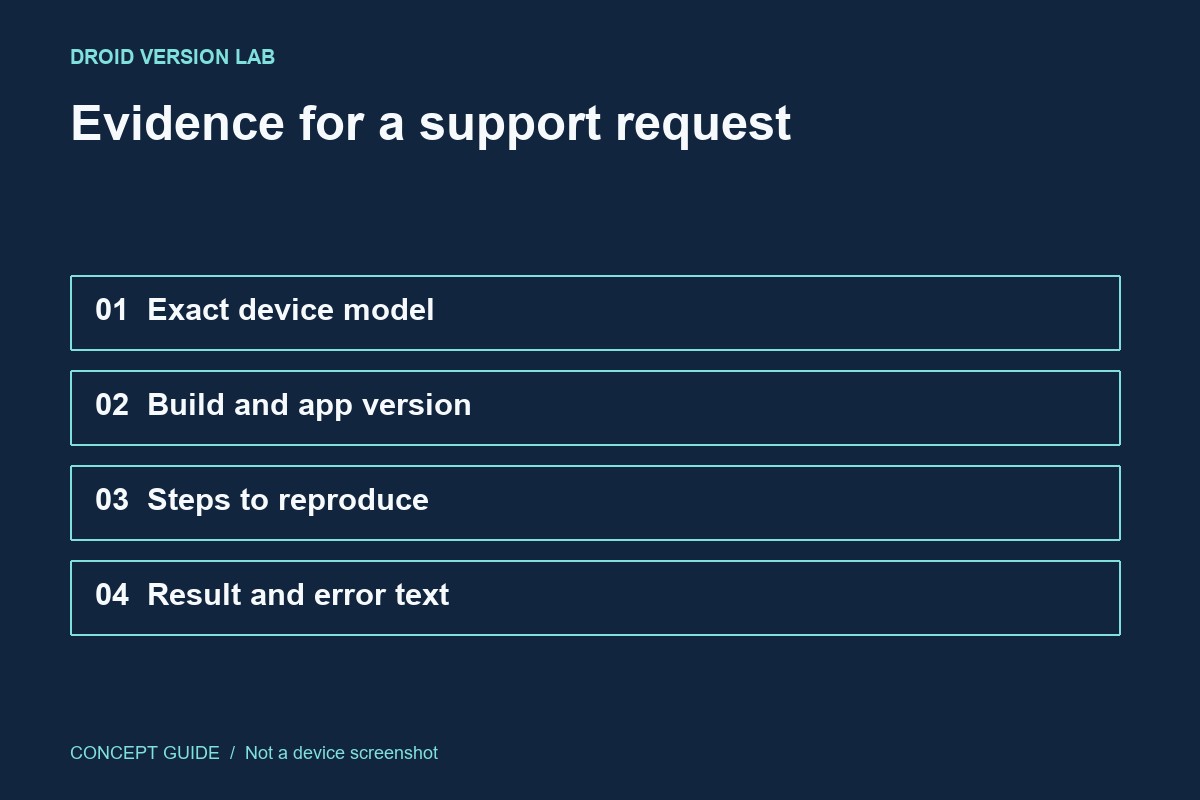
Record the model, Android release, build number and relevant app version. Add the security update date if the issue concerns an update. Do not publish serial numbers, account identifiers or full screenshots containing personal notifications in a public forum. Crop evidence to the information needed for the question.
Write one reproducible sequence
Describe where you started, what you tapped and what happened. Include the exact error text rather than interpreting it. If the issue happens only on one network or with one file, state that boundary. A report that another file works is useful evidence; a list of unrelated settings you changed is harder to interpret.
Include the before and after
If the problem began around an update, say that timing suggests a connection without declaring it proven. Include the previous version only if you actually recorded it. Note whether a restart or app update changed the result, and whether the same test was used afterwards.
Ask an answerable question
Ask whether the behavior is expected for this model and build, or which supported diagnostic step comes next. Keep a copy of the report so you can update it rather than retelling it from memory. A careful record is especially useful when a case moves between an app developer and a device manufacturer.